If you’ve ever dug through the settings on your DJ software or looked at the specs on a new controller, you’ve probably seen those two numbers staring back at you: 16-bit, 24-bit, 44.1 kHz, 48 kHz. They look important, but honestly, they can feel like a foreign language when you’re trying to focus on beatmatching and track selection. Welcome to the Technical Term Glossary, where we break down the jargon so you can talk shop like a pro and actually understand what your gear is doing under the hood.
Let’s get one thing straight from the jump: bit depth and sample rate are not the same thing, but they work together to define how your digital audio sounds. Think of them as the resolution and the frame rate of your music, except instead of pixels and frames, you’re dealing with amplitude snapshots and time slices.
Sample Rate Is How Often You Take a Picture of the Sound Wave
Imagine you’re recording a live vocal or a synth line. Sound is an analog wave—smooth, continuous, like a rolling ocean. To turn that wave into digital data your computer can understand, you have to capture “samples” of it at regular intervals. Sample rate is literally the number of times per second you take those snapshots. The standard for audio CDs is 44.1 kHz, which means 44,100 samples every second. Why that number? It’s about half of the highest frequency humans can hear, thanks to the Nyquist theorem, but you don’t need to memorize that for your next set.
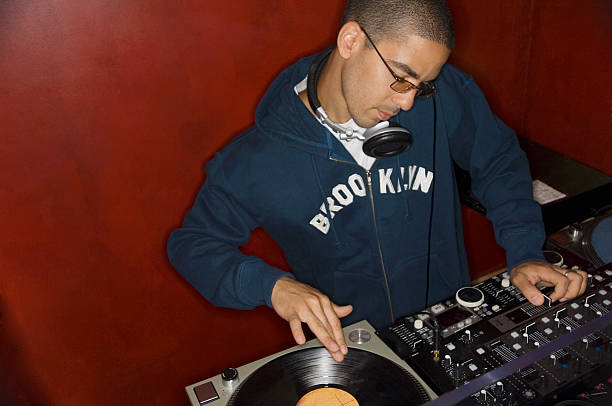
In the DJ world, sample rate matters most when you’re ripping vinyl, recording mixes, or working with high-resolution files. Most streaming services and club standard tracks sit at 44.1 kHz. If you bump up to 48 kHz or even 96 kHz, you’re capturing more data per second, which can theoretically give you a more accurate representation of the original sound. But here’s the real talk: unless you’re producing or mastering, your ears are probably not going to notice the difference between 44.1 and 96 kHz on a loud Funktion-One system. The human ear tops out around 20 kHz anyway. So while higher sample rates can reduce aliasing and give you more headroom for pitch shifting, they also eat up storage and processing power. For a DJ, sticking to 44.1 kHz or 48 kHz is more than enough for butter-smooth mixes.
Bit Depth Is How Many Steps You Use to Measure Each Sample
Now, sample rate tells you how often you take a picture. Bit depth tells you how detailed each picture is. Think of it like a staircase: a 16-bit system gives you 65,536 possible steps to describe the loudness of a sound at that instant. A 24-bit system gives you 16,777,216 steps. More steps mean you can capture quieter sounds without introducing noise and you can handle louder peaks without distortion. That’s called dynamic range, and it’s the secret sauce behind clean, punchy audio.
For DJs, bit depth really comes into play when you’re recording your mixes or working with samples that you plan to stretch, loop, or process. If you’re just playing tracks from a USB stick at a club, 16-bit files are the standard and they sound totally fine. But if you’re recording a two-hour set with lots of gain staging and you want to leave yourself room to master it later, recording at 24-bit is a game-changer. You get a massive noise floor advantage, meaning you can push levels without hearing that ugly digital hiss or clipping. Most modern DJ software like Serato, Rekordbox, and Traktor defaults to 24-bit for recording, and that’s a smart move.
How This All Connects to Your DJ Setup
Here’s the practical part. When you’re building your library, the quality of your source files matters. A 320 kbps MP3 is fine for most gigs, but if you’re playing on a high-end club system with subs that shake your spine, you’ll hear the difference between a compressed file and a lossless WAV or FLAC at 24-bit/44.1 kHz. The low end stays tighter, the highs feel more open, and you have less weird artifacts when you pitch tracks up or down heavily.
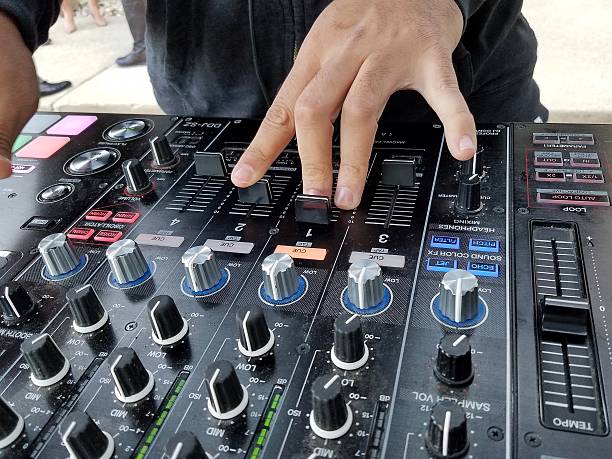
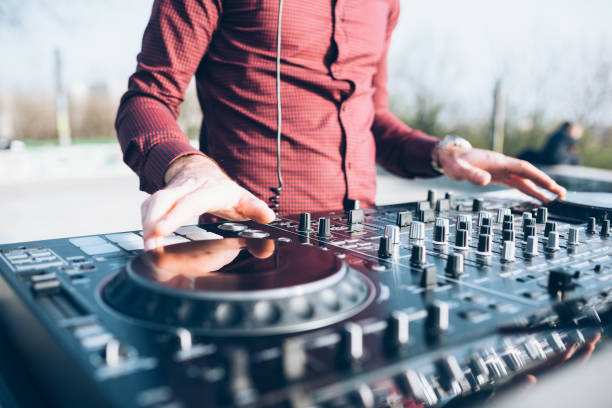
Your DJ controller or mixer also has a built-in digital-to-analog converter, or DAC. That little chip interprets the digital file and turns it back into analog voltage for your speakers. Higher-end gear supports higher bit depths and sample rates, but again, don’t stress about it if you’re starting out. A Pioneer DJM-900NXS2 handles 24-bit/96 kHz internally, which is more than you’ll ever need for a house party. The key takeaway is to match your file format to your gear’s capabilities. Don’t play a 24-bit/96 kHz track on a basic controller that only processes 16-bit/44.1 kHz—you’re wasting data and possibly introducing latency.
The Bottom Line for the Modern DJ
You don’t need to be an audio engineer to rock a crowd, but understanding bit depth and sample rate helps you make smarter choices about your music library, your recording habits, and your hardware purchases. If someone asks you why you prefer 24-bit WAVs over 16-bit MP3s, you can now say, “More dynamic range for cleaner mixes and better sound on big systems,” and sound like you know what you’re talking about. If they ask about sample rate, just nod and say 44.1 is the standard for clubs, and leave the 96 kHz for the production nerds.
At the end of the day, the best gear in the world won’t save a bad track selection or shaky transitions. But having a grip on the technical lingo means you can communicate with sound engineers, upgrade your setup with confidence, and stop guessing when you see those numbers in your settings. Now go practice your phrasing and keep those levels in the green.