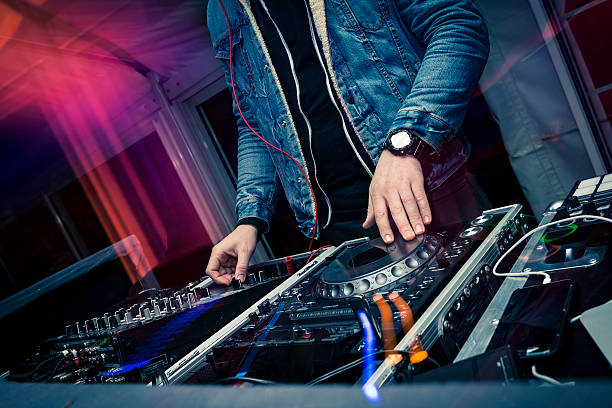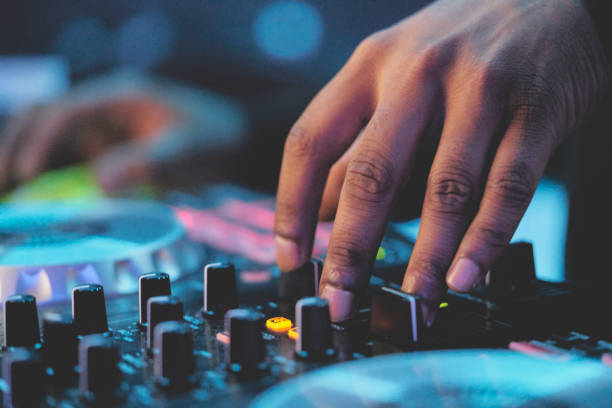
Your first DJ controller is basically your learner bike with training wheels, except it also has hot cues and a crossfader. The goal isn’t to buy the most expensive thing on the shelf. The goal is to get something that feels good enough to practice on every day, teaches you the fundamentals, and won’t make you rage-quit when you realize you need a software license. So before you add to cart, let’s break down what actually matters.
The first big question is software. Most beginner controllers are designed to work with one main DJ app, like rekordbox, Serato, Traktor, VirtualDJ, or djay. This matters more than the color of the jog wheels. If you want to play in clubs someday, Pioneer DJ gear and rekordbox are the closest thing to a standard, so a DDJ-FLX4 or similar is a safe bet. If you’re into open-format, weddings, and parties, Serato is super common. If you’re a techno head who loves looping and effects, Traktor might feel right. If you just want to mess around on your phone or iPad, djay is honestly fun. Check whether the controller comes with a full software license or just a Lite version. That “free” software can become a subscription real quick.
Next, look at the layout. For a first controller, two channels is plenty. You don’t need four decks until you’re actually mixing four tracks, which is a later problem. You want responsive jog wheels, a smooth crossfader, channel faders that don’t feel like toys, and a pitch fader for tempo control. Performance pads are huge because they let you trigger hot cues, loops, and samples without touching your laptop. That’s where the fun lives. Effects can be cool, but don’t let a million knobs distract you from learning beatmatching and phrasing. A clean, simple layout will teach you faster than a spaceship cockpit.
Then there’s build quality and size. Plastic is fine at the beginner level, but flimsy plastic is not. You want something that can survive a backpack, a bedroom floor, and the occasional spilled drink. If you plan to travel, check the weight and whether it fits in a standard DJ bag. Also check the ports. You need at least a headphone jack with cueing, a master output for speakers, and a USB connection for your laptop. RCA outputs are normal on budget gear, while XLR or TRS outputs are more pro. Bus-powered controllers are convenient because they run off USB, but some need a power supply for brighter lights and better audio. If you use a laptop, make sure the controller is compatible with your OS and that you have enough USB ports. A hub can work, but it can also introduce latency or power issues.
Budget is where people get weird. You can find a decent beginner controller new for around two hundred to four hundred dollars. Spending more gets you better build quality, bigger jog wheels, and more inputs, but it won’t automatically make you a better DJ. Avoid the ultra-cheap toys with tiny jog wheels and no proper audio interface. They feel bad and often can’t cue tracks properly. Buying used can be smart, but test every fader, knob, pad, and USB port. Ask if the software license transfers. Check for firmware updates. If the seller won’t let you test it, that’s a red flag.
Don’t forget the hidden costs. You still need headphones, speakers or monitors, cables, a laptop if you don’t have one, and maybe a stand. Those add up fast. A great controller with terrible headphones will make cueing miserable. A great controller with no speakers means you’re stuck in silence. So budget for the whole setup, not just the deck.
Finally, try before you buy if you can. Hit a music store, borrow a friend’s gear, or watch honest reviews from actual beginners. Don’t chase features you won’t use. Motorized platters, stem separation, and standalone functionality are cool, but they can wait. Your first controller should make practice feel easy and exciting. If it does that, you’ll actually learn. And when you outgrow it, you’ll know exactly what you want next.