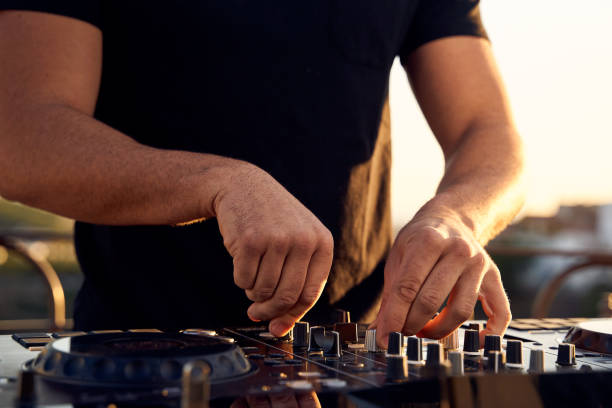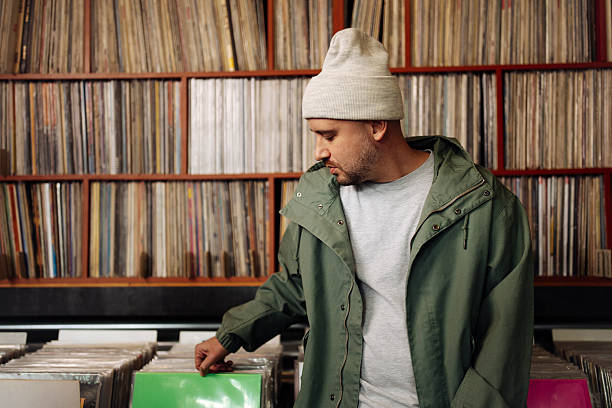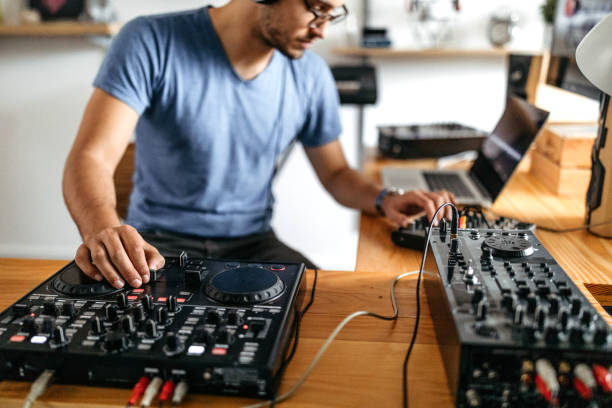
So you wanna be a DJ. Cute. First, breathe. Your first controller is not your forever deck, your personality, or a flex on the timeline. It’s a skateboard. You’re gonna fall, learn, maybe scrape a fader, and that’s the point. The goal is to get something that lets you mix two tracks, cue the next one, and feel the music without draining your savings. Everything else is noise.
Set a total budget, not just a controller budget. You also need headphones, cables, maybe speakers, and a laptop that won’t wheeze when rekordbox or Serato opens. For most beginners, a solid two-channel controller lives between two hundred and four hundred dollars. You can go cheaper, especially used, but you’re gambling on build quality and software support. You can go higher, but you don’t need to. Spending more won’t teach you phrasing. Practice will.
Software ecosystem is the first real fork in the road. Pioneer DJ controllers usually play nice with rekordbox, which is the club-standard vibe, so the layout feels familiar if you ever step up to CDJs. Serato is loved by scratch DJs and open-format folks. Traktor is techno’s weird, wonderful cousin. VirtualDJ is flexible and beginner-friendly. Some controllers unlock software for free, some include a Lite version, and some make you pay later. Check that before you click buy, because a cheap controller with expensive software is not cheap.
Channels matter less than you think. A two-channel controller gives you two decks, a crossfader, EQ knobs, a filter, cue buttons, and pads for hot cues and loops. That’s enough to learn beatmatching, blending, and reading a crowd. Four channels are great for layering loops, acapellas, and live remixing, but they can wait. If you’re mostly mixing tracks, two is plenty. If you’re into scratching, look for a moving platter or a seriously responsive jog wheel, plus a crossfader that doesn’t feel like a wet noodle.
Don’t sleep on the boring specs. You want a proper headphone cue with its own volume, a master output that matches your speakers or PA, and enough pitch fader range to nudge tracks into place. XLR outputs are nice for clubs, but RCA is fine at home. A mic input is clutch if you’re hosting parties or doing radio-style mixes. USB bus power is convenient, but a power adapter can be more stable. Streaming integration with SoundCloud, Beatport, or Tidal is fun, but build a local library so Wi-Fi dying doesn’t kill your set. Check that the controller works with your laptop’s OS, because driver drama is the fastest way to kill the vibe.
Ergonomics are lowkey everything. If the layout feels cramped, you won’t practice. If the jog wheels are tiny and stiff, you’ll hate cueing. If the pads are mushy, you’ll stop using them. Try one in a store if you can. If not, watch honest reviews from people who actually DJ, not just unboxers. Size matters too. A controller that swallows your desk is not fun. A travel-friendly one might be perfect if you’re playing house parties or streaming from different rooms.
Buying used can be a cheat code. Test every fader, knob, button, and jog wheel. Wiggle the USB port. Listen for scratchy audio. Bring your laptop and headphones. Meet in a public place. Ask why they’re selling, and trust your gut if the story feels off. A used DDJ-400, DDJ-FLX4, Numark Mixtrack, or Hercules Inpulse can be a fantastic first deck if it’s been treated well. But don’t buy someone else’s problem just because it’s cheap.
Finally, avoid gear acquisition syndrome. You do not need the most expensive controller, the biggest speakers, or the same setup as your favorite festival DJ. You need hours. Learn to beatmatch by ear, understand phrasing, use EQ instead of cranking bass, and record your mixes. Sync is a tool, not a crime, but knowing how to mix without it makes you dangerous. When you hit real limits, upgrade. Until then, make the thing you have sound good.
Your first controller is a permission slip. Pick one that makes you want to practice, plug it in, and play. The magic isn’t in the gear. It’s in the reps.