So you’ve decided to take the plunge into the DJ life. Maybe you caught the bug from a viral Boiler Room set, or your friend dragged you to a warehouse party and you couldn’t stop watching the DJ’s hands, or you just really love the idea of controlling a room’s energy like it’s your own personal video game. Either way, welcome. The hardest part is actually starting, and the easiest way to stall is convincing yourself you need ten thousand dollars in gear and a mentor with a golden Instagram feed. Spoiler alert: you don’t. The bare minimum setup is simpler, cheaper, and honestly more forgiving than you think. Let’s break it down, no hype, just the essentials.
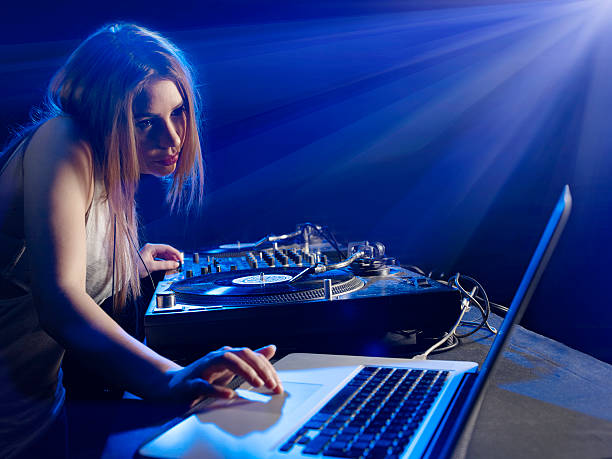
First, the heart of your entire operation: a laptop or computer. You probably already own one, which is beautiful because you can ignore all the bros telling you that real DJs only use vinyl or standalone units. A basic laptop with at least 8GB of RAM and a decent processor is plenty for entry-level software like Serato DJ Lite, VirtualDJ, or the free tier of rekordbox. You don’t need a gaming beast. You need something that won’t choke when you’re waveform-hopping at 2 AM. Remember to close your Chrome tabs before a practice session, because your browser is a sneaky resource vampire. That’s a pro tip right there.
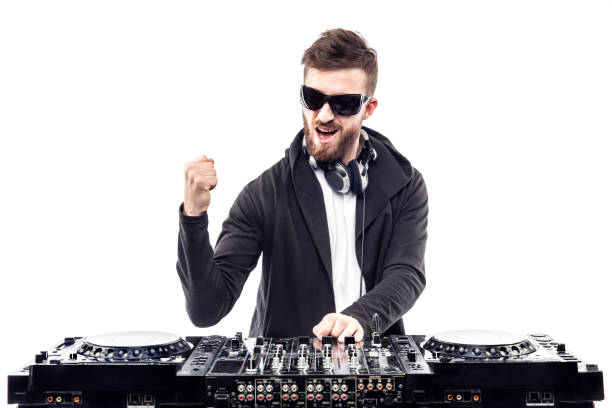
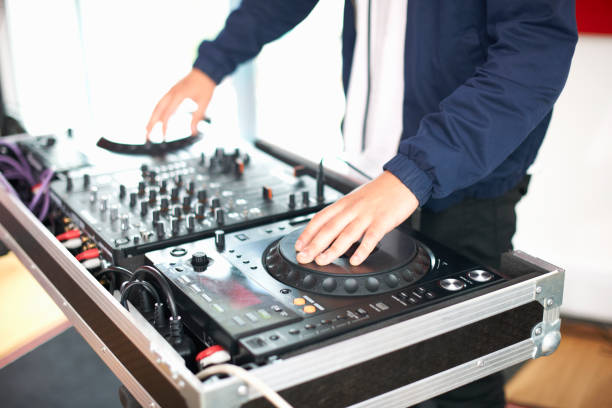
Next up is the connection between your laptop and the sound system: the DJ controller. This piece of gear is essentially a mixer and turntables merged into a friendly plastic slab with knobs, faders, and jog wheels. You’ll see hundreds of options ranging from Palm Pilot-sized toys to four-channel battle stations. For the bare minimum, keep it simple. Look for a two-channel controller, that’s all you need for basic beat matching and transitions. Brands like Pioneer DJ, Numark, and Hercules make solid entry-level units that don’t cost a fortune. The key is to make sure the controller actually works with the software you plan to use. Some controllers come with unlocks for specific programs, so read that product description like your next paycheck depends on it. The good news is you can find a quality starter controller for around a hundred bucks used, which is wild when you think about how much fun you’ll have with it.
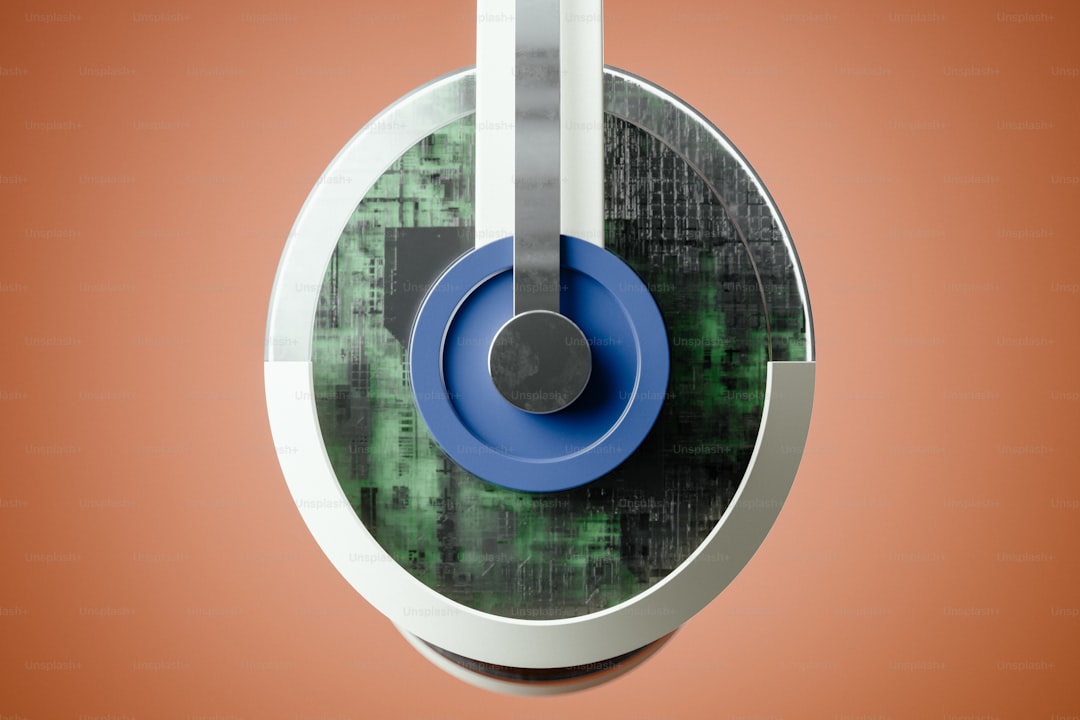
Now, here’s the piece of gear everyone sleeps on until they start trying to mix without it: a pair of closed-back headphones. You might think that any old earbuds will do, but trust me, no. DJ headphones are built tough and designed to block out the room noise while you cue up the next track. When you’re in a loud living room, not yet in a club, wearing the right headphones lets you hear exactly where the kick drum hits and whether your next track is actually in sync or just vibes adjacent. Over-ear, not earbuds. Look for something with a coiled cable or a detachable one, because cables get caught on door handles like they have a personal vendetta. You don’t need to drop three hundred bucks on studio-grade headphones. A solid seventy-dollar pair will absolutely cover your early sets.
Then you need speakers to hear what you’re doing when you’re not wearing headphones. This is the part where people either overbuy or completely skip it. You don’t need concert-sized PA speakers for your bedroom. You need a pair of powered monitors or even decent desktop speakers with RCA inputs. The keyword “powered” means they have built-in amps, so you just plug them into your controller and go. If you’re on a tighter budget, a single Bluetooth speaker with an auxiliary input can work for practice, but it’ll kill your ability to hear bass frequencies clearly. For the bare minimum, aim for inexpensive studio monitors. Honestly, the best setup you can have is two speakers placed at ear level and angled toward your churning little head. That’s it. No subwoofer. No wall of sound. Just stereo clarity so you can actually hear soft and loud sounds without distortion.
Finally, let’s talk about the stuff people never consider until they’re scrabbling around on the floor: cables and backups. You’ll need a pair of RCA cables to go from the controller to your speakers. Most controllers also use a USB cable to connect to your laptop, so get one that’s a few feet longer than you think you need. And here’s the hidden gem of the whole bare minimum setup: a standard USB hub or extension cable, because the ports on your laptop are secretly located across the room. When you’ve got those three items, you are officially ready to practice. No external hard drive needed yet. No fancy lighting rig. No carrying case with foam inserts. Just a laptop, controller, headphones, speakers, and the cable equivalent of a safety net.
So what’s the actual move? Put your controller on a desk, fire up your software, and spend your first session doing what feels like nothing: loading two tracks and fiddling with the sync button. Then try the beat fader. Then get lost in the music. This is the bare minimum setup, but it’s not about the gear. It never was. It’s about building the muscle memory of listening, flowing, and letting go of perfection. The DJs you look up to started exactly where you are now. Actually, most of them started with worse gear. So get your setup together, make sure your cables aren’t tangled, and just press play. The rest is history.